
Controle de Tempo em Projetos
A maioria dos projetos estoura o orçamento não porque as estimativas estavam erradas, mas porque ninguém rastreou onde as horas foram. Veja como manter projetos rentáveis.
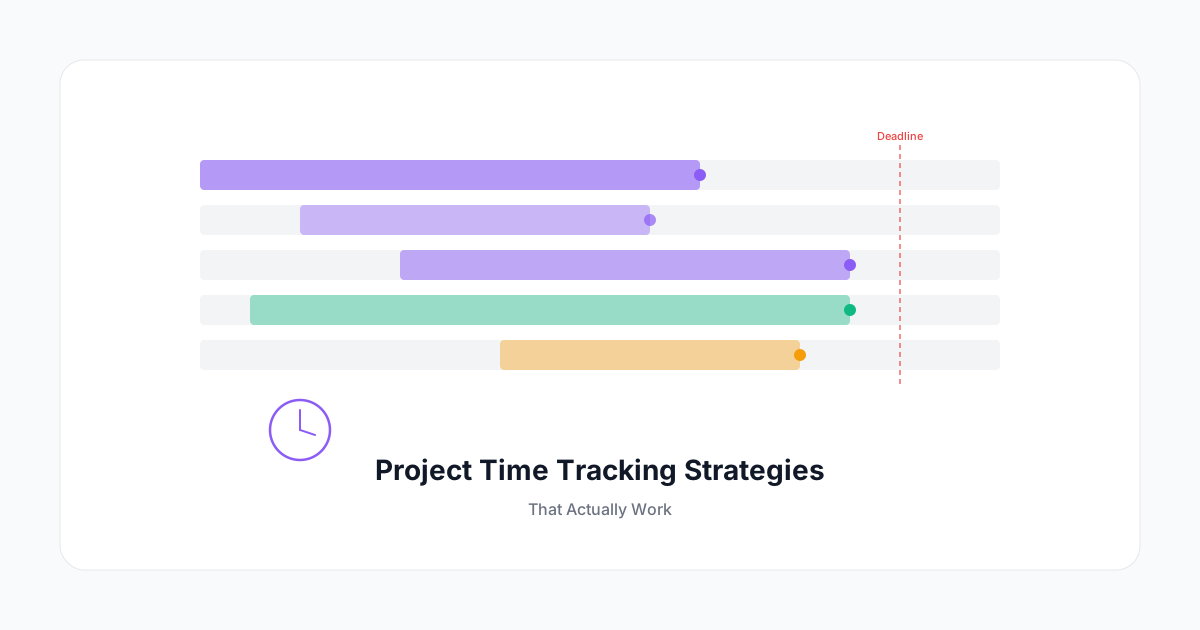
Estouros de projeto quase sempre são um problema de dados antes de serem um problema de entrega. Equipes não trabalham 30% acima do orçamento de repente — elas derivam lentamente, uma hora não rastreada de cada vez.
O controle de tempo em projetos serve a dois propósitos distintos: ajuda você a gerenciar o projeto atual e constrói os dados históricos necessários para estimar futuros projetos com precisão.
Antes do Projeto Começar: Configurando para o Sucesso
O tempo que você investe na configuração do projeto determina o quão úteis serão seus dados de rastreamento.
Defina Seu Orçamento em Horas, Não Apenas em Reais
Um orçamento de R$ 250.000 significa coisas diferentes dependendo da composição da sua equipe. Converta-o em horas por função:
Designer Sênior: 40 hs @ R$ 750/h = R$ 30.000
Desenvolvedor (x2): 120 hs @ R$ 600/h = R$ 72.000
Gerente de Projeto: 30 hs @ R$ 500/h = R$ 15.000
...
Isso lhe dá algo para rastrear em um nível granular.
Crie uma Estrutura Analítica do Projeto
Antes de abrir sua ferramenta de controle de tempo, mapeie as entregas em fases e tarefas. Um projeto de serviço típico pode se parecer com:
- Descoberta (entrevistas, pesquisa, síntese)
- Estratégia (frameworks, recomendações)
- Design (conceitos, iterações, arquivos finais)
- Implementação (desenvolvimento, configuração)
- Revisão e QA (testes, revisões)
- Gestão do Projeto (ligações, administrativo, documentação)
A gestão do projeto quase sempre é subestimada — reserve 10–15% explicitamente.
Atribua Orçamentos a Cada Fase
Não tenha apenas um orçamento total — aloque horas para cada fase. Isso permite detectar problemas cedo:
Se você gastou 80% do orçamento de descoberta antes de começar a estratégia, você tem um problema de escopo para resolver agora — não no debriefing.
Durante a Execução: Mantendo-se Ciente Sem Microgerenciar
Revisões Semanais de Orçamento
Uma vez por semana, compare as horas registradas com o orçamento. Não como uma avaliação de desempenho — como uma ferramenta de navegação. O objetivo é responder:
- Quais fases estão no caminho certo?
- Onde estamos adiantados ou atrasados?
- Precisamos ter uma conversa de escopo com o cliente?
Uma revisão semanal de 5 minutos detecta problemas quando você ainda pode corrigir o curso.
A Regra dos "80% de Alerta"
Quando uma fase atinge 80% de suas horas orçadas, o gerente de projeto recebe uma notificação. Isso cria um ponto de decisão obrigatório: ou o escopo restante cabe em 20% do orçamento, ou algo precisa mudar.
Sistemas que não enviam esses alertas dependem de alguém se lembrar de verificar — o que significa que muitas vezes não o fazem.
Rastreando Trabalho Não Planejado
O desvio de escopo é real, e a pior coisa que você pode fazer é absorvê-lo silenciosamente. Crie uma categoria de tarefa dedicada para solicitações fora do escopo:
Projeto: Redesign do Site Acme
  └── Tarefa: Solicitações Fora do Escopo
       - Cliente solicitou versão em idioma adicional [2,5 hs]
       - Auditoria de acessibilidade não planejada [4 hs]
Isso serve a dois propósitos: documenta o valor que você está adicionando além do escopo original, e lhe dá alavancagem para cobrar ou renegociar.
Após o Projeto: A Retrospectiva que se Paga
A maioria das retrospectivas de projeto foca na entrega: o que deu certo, o que não deu. Menos equipes fazem a retrospectiva financeira — e é onde o aprendizado real acontece.
Horas Orçadas vs. Realizadas por Fase
Compare suas alocações de fase com o que realmente aconteceu:
| Fase | Orçado | Realizado | Variação |
|---|---|---|---|
| Descoberta | 40 hs | 52 hs | +30% |
| Design | 80 hs | 75 hs | -6% |
| Desenvolvimento | 120 hs | 138 hs | +15% |
| GP / Administrativo | 30 hs | 41 hs | +37% |
| Total | 270 hs | 306 hs | +13% |
A tabela acima revela um padrão comum: descoberta e gestão de projeto são sistematicamente subestimados. São esses dados que tornam sua próxima estimativa melhor.
Análise de Margem
O projeto foi rentável? Calcule a margem real:
Receita: R$ 270.000
Custo de Mão de Obra (horas reais × taxas de custo): R$ 240.000
Margem Bruta: R$ 30.000 (11%)
Se sua margem alvo é de 20–30% e você está entregando a 11%, você tem um problema — e o detalhamento por fase diz exatamente onde.
Construindo Seu Banco de Dados de Estimativas
Com o tempo, os dados históricos de projetos se tornam sua ferramenta de estimativa mais valiosa. Construa um registro simples de:
- Tipo de projeto (por exemplo, "identidade de marca," "site de e-commerce," "MVP de SaaS")
- Total de horas por fase
- Fatores notáveis de escopo que fizeram as horas subir ou descer
- Margem final
Após 10–15 projetos, padrões emergem que nenhum framework de estimativa consegue replicar. Você saberá, com dados reais, que sites de e-commerce com checkouts personalizados levam 40% mais tempo em desenvolvimento do que os baseados em template, ou que clientes corporativos adicionam consistentemente 25% ao tempo de gestão de projeto por meio de ciclos de aprovação.
O Maior Erro: Tratar o Controle de Tempo como Relatório
Se sua equipe vê as planilhas de horas como overhead administrativo — algo que preenchem para satisfazer a contabilidade — você nunca terá dados bons o suficiente para serem úteis.
A reformulação: o controle de tempo é navegação de projeto. Ele diz onde você está, para onde está indo e quando precisa tomar uma rota diferente.
Quando sua equipe entende que o rastreamento preciso leva a melhores estimativas, menos períodos de crunch e projetos mais rentáveis — o que em última análise significa mais recursos para trabalho interessante — a adesão vem naturalmente.
Torne os dados visíveis. Compartilhe dashboards de projetos. Mostre às equipes como seus dados históricos de tempo melhoraram a estimativa no próximo projeto. Essa conexão entre o comportamento individual de rastreamento e os resultados da equipe é o que torna o controle de tempo uma ferramenta que as pessoas querem usar, não uma que são obrigadas a usar.