
Freelancer Time Tracking & Invoicing Guide
Freelancers lose 20-30% of billable time because they don't track properly. Here's how to build a time-to-invoice workflow that captures every billable hour.
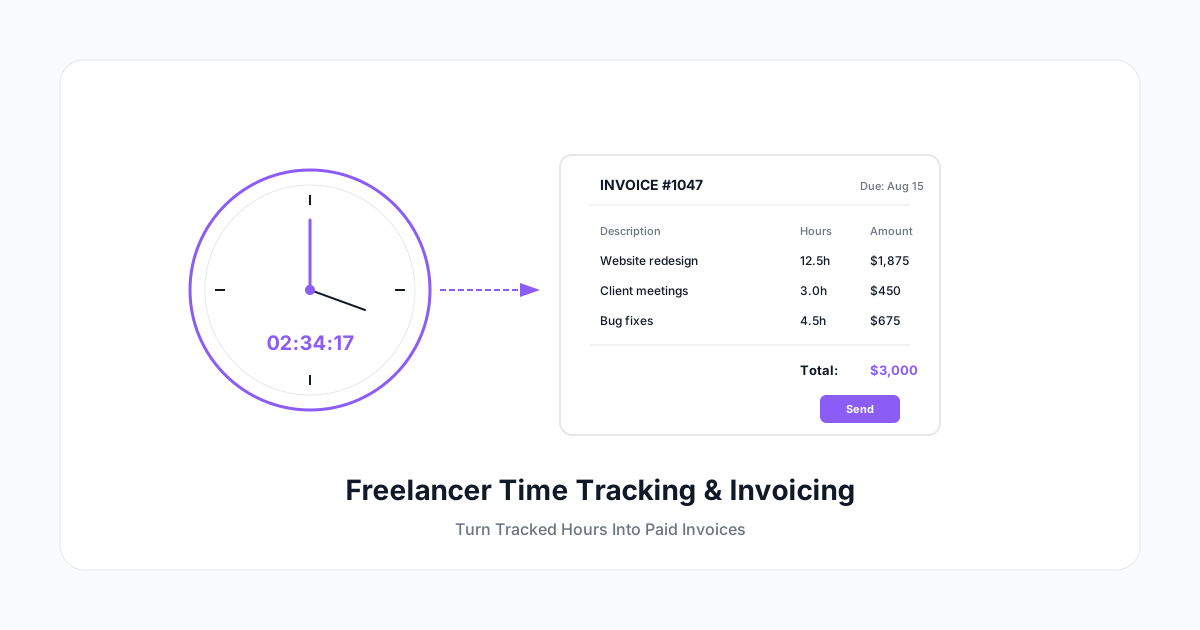
You finished the project. The client's happy. Now you need to invoice — and you realize you have no idea how many hours you actually spent.
Sound familiar? Freelancers lose an estimated 20-30% of billable time because they either don't track it or track it so poorly the numbers are useless. That's money you've already earned but will never collect.
Here's how to build a time-to-invoice workflow that captures every billable hour and turns tracked time into paid invoices — without adding friction to your day.
Why Freelancers Undercharge (The Time Tracking Problem)
Most freelancers fall into one of three traps:
- Memory billing — You finish a project and try to remember how long it took. You always underestimate. Research shows people underestimate task duration by 20-40% consistently.
- Round-down syndrome — "That email chain only took 15 minutes, I won't bother billing for it." Do that 8 times a week and you've lost 2 billable hours.
- Scope creep invisibility — The client asked for "a few quick changes" three times. Each took 45 minutes. None got billed because they felt too small to track.
The math is brutal. If you bill at $100/hour and lose just 5 hours per week to untracked time, that's $26,000/year in lost revenue. Most freelancers lose far more.
The Freelancer Time Tracking Stack
You don't need enterprise software. You need three things working together:
1. A Timer You'll Actually Use
The best timer is the one you run consistently. Look for:
- One-click start/stop — No navigating through menus
- Mobile + desktop — Track from anywhere (yes, that phone call counts)
- Project/client tagging — So entries are automatically categorized
- Offline mode — For café work or unreliable WiFi
Pro tip: Put the timer widget where you can't ignore it. Desktop dock, browser extension, or phone home screen. If you have to open an app, navigate to a project, and click three times — you won't use it.
2. Project Organization That Mirrors Your Invoices
Structure your time tracking to match how you bill. If you invoice per project, track per project. If you invoice per activity type (design, development, meetings), track per activity type.
Common structure for freelancers:
Client Name
├── Project A
│   ├── Design
│   ├── Development
│   ├── Client Calls
│   └── Revisions
├── Project B
└── Internal (non-billable)
    ├── Admin
    ├── Marketing
    └── Learning
This structure means when it's time to invoice, you export a project and the line items are already done.
3. Invoice Integration (Or At Least Easy Export)
The handoff between time tracking and invoicing is where most freelancers lose. Either:
- Use a tool that has built-in invoicing (Harvest, FreshBooks, Toggl + integrations)
- Use a time tracker that exports clean CSV/reports you can paste into your invoice tool
- Set up an automated sync between your timer and your accounting software
The goal: zero re-entry. Every time you manually type hours into an invoice, you introduce errors and lose time.
The Weekly Invoicing Workflow
Here's a workflow that takes 15 minutes per week and captures 95%+ of billable time:
Daily (30 seconds)
- Start timer when you begin client work
- Stop timer when you switch to something else
- Tag with project and activity type
End of Day (2 minutes)
- Review today's entries — anything missing?
- Add any untracked items (phone calls, quick emails, research)
- Add brief descriptions ("Revised hero section based on feedback call")
End of Week (15 minutes)
- Review the week's tracked time
- Mark entries as billable or non-billable
- Generate project reports
- Send invoices for completed work or milestone billing
Monthly (30 minutes)
- Review utilization: what % of your time is billable?
- Identify clients with high non-billable ratios (scope creep signals)
- Adjust rates or processes for unprofitable clients
What to Track (That Most Freelancers Miss)
Track These — They're Billable
- Client calls and video meetings (including prep time)
- Email correspondence over 5 minutes
- Research specific to a client's project
- File organization and asset management
- Revision rounds (especially beyond what's contracted)
- Travel time (if your contract includes it)
Track These — They're Not Billable But Matter
- Proposals and pitches (know your cost of acquisition)
- Invoicing and admin (know your overhead)
- Marketing and networking
- Learning and skill development
- Tool setup and maintenance
When you track non-billable time too, you get your true effective hourly rate. If you bill at $150/hour but only bill 60% of your time, your effective rate is $90/hour. That number should inform your pricing decisions.
Handling Tricky Billing Scenarios
Scope Creep
Set this rule: any request that takes more than 15 minutes gets tracked as a separate entry with a note. At billing time, you have documentation showing exactly how much extra work was requested.
Then you can either:
- Invoice for it (with the tracked time as proof)
- Absorb it but raise it in the next scope discussion
- Use it to justify a rate increase at renewal
Retainer Clients
Track all hours even on retainer. This shows:
- Whether the retainer covers the actual work
- Whether you're over-delivering (and should renegotiate)
- Whether the client is under-utilizing (opportunity to fill time elsewhere)
Fixed-Price Projects
Track time even when you're not billing hourly. This gives you data for future estimates. If you quoted 20 hours but it took 35, you need to know that before quoting a similar project.
Setting Your Rate Using Time Data
After 3 months of consistent tracking, you'll have the data to calculate your actual rate:
True Effective Rate = Total Revenue ÷ Total Hours Worked (including non-billable)
If this number is lower than you want, you have three levers:
- Increase your hourly rate — Simplest, but has a ceiling
- Increase billable percentage — Reduce admin, automate proposals, streamline processes
- Reduce scope creep — Better contracts, clearer boundaries, tracked revisions
Most freelancers focus only on lever #1. Levers #2 and #3 often have more impact.
Tools That Work for Freelancers
| Need | Good Options |
|---|---|
| Simple timer + invoicing | Harvest, FreshBooks |
| Timer + project management | Toggl Track, Clockify |
| All-in-one freelance platform | Bonsai, AND CO |
| Human-friendly time tracking | A Human Time |
What matters most: low friction. A tool with 50 features you don't use is worse than a simple tool you actually use every day.
The ROI of Tracking Your Time
Let's be conservative. If tracking time helps you capture just 3 extra billable hours per week:
- At $100/hour: $15,600/year in recovered revenue
- At $150/hour: $23,400/year in recovered revenue
- At $200/hour: $31,200/year in recovered revenue
The time tracking tool costs $10-30/month. The ROI is absurd.
Start Today
You don't need to build a perfect system on day one. Start with:
- Pick a timer tool (any of them — the best one is the one you'll use)
- Create projects for your current clients
- Hit start when you begin client work
- Hit stop when you stop
After one week, review your data. You'll be surprised at where the time actually goes — and you'll never want to go back to guessing.
A Human Time makes this especially smooth for freelancers: one-click timers, automatic project suggestions based on your patterns, and reports that double as invoice line items. But any tool that reduces the friction between "doing the work" and "billing for the work" is worth using.
The goal isn't perfect tracking. It's capturing the revenue you're already earning.